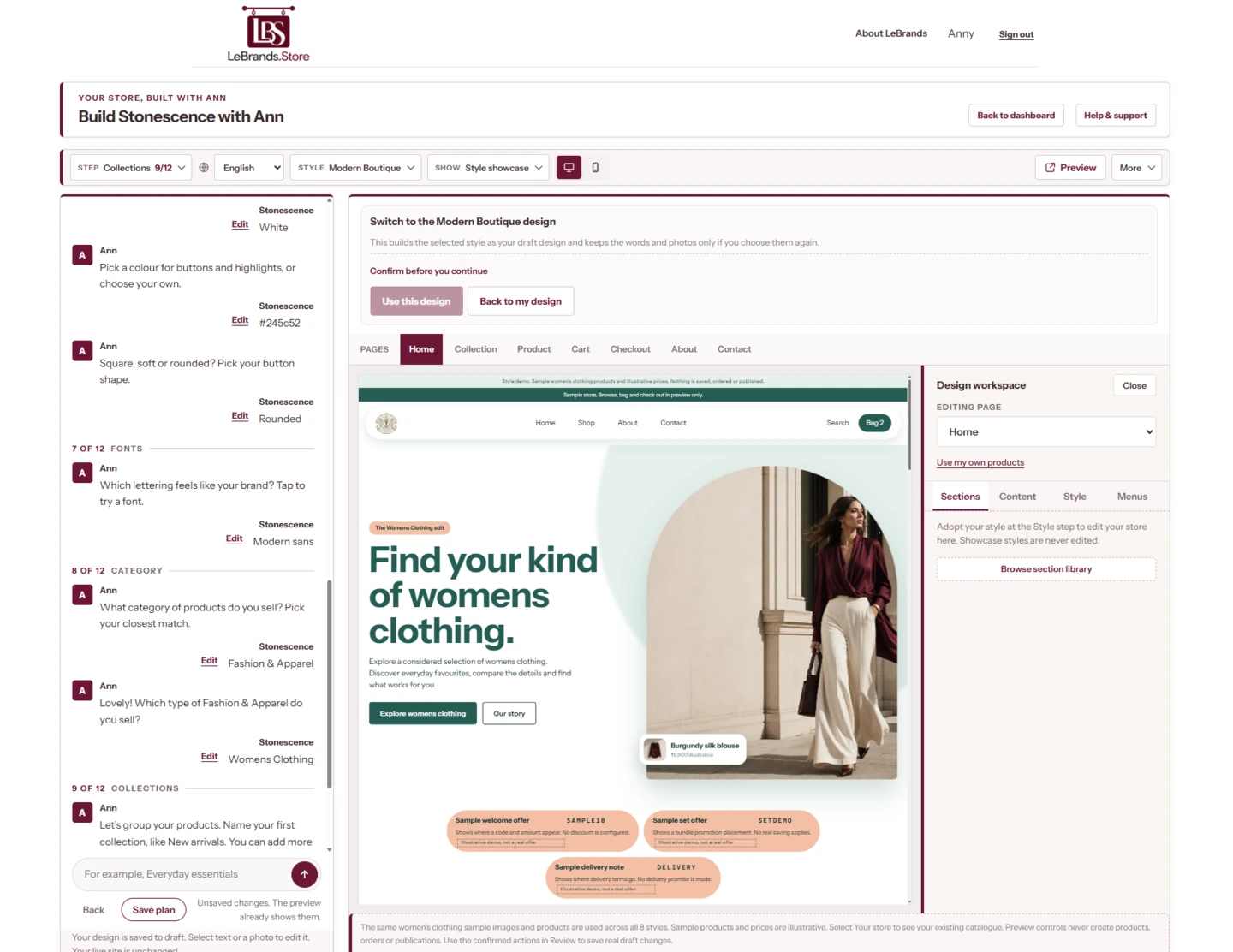
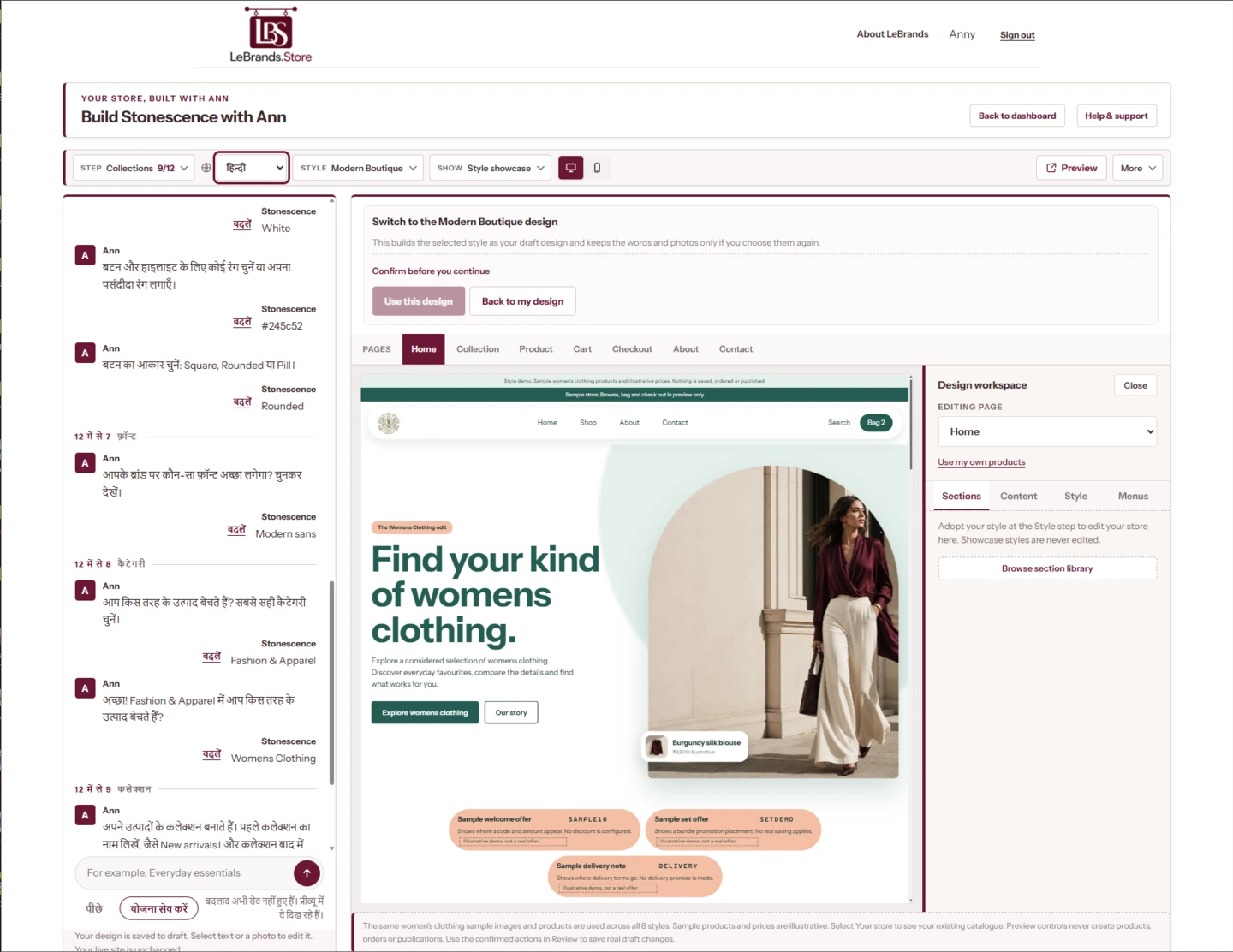
English, Hindi, Tamil, Marathi and Telugu. Choose a conversation preview below.
app.lebrands.store
app.lebrands.store
Speak to Ann in your language. Your product names and business details stay exactly as you enter them.
Try a look
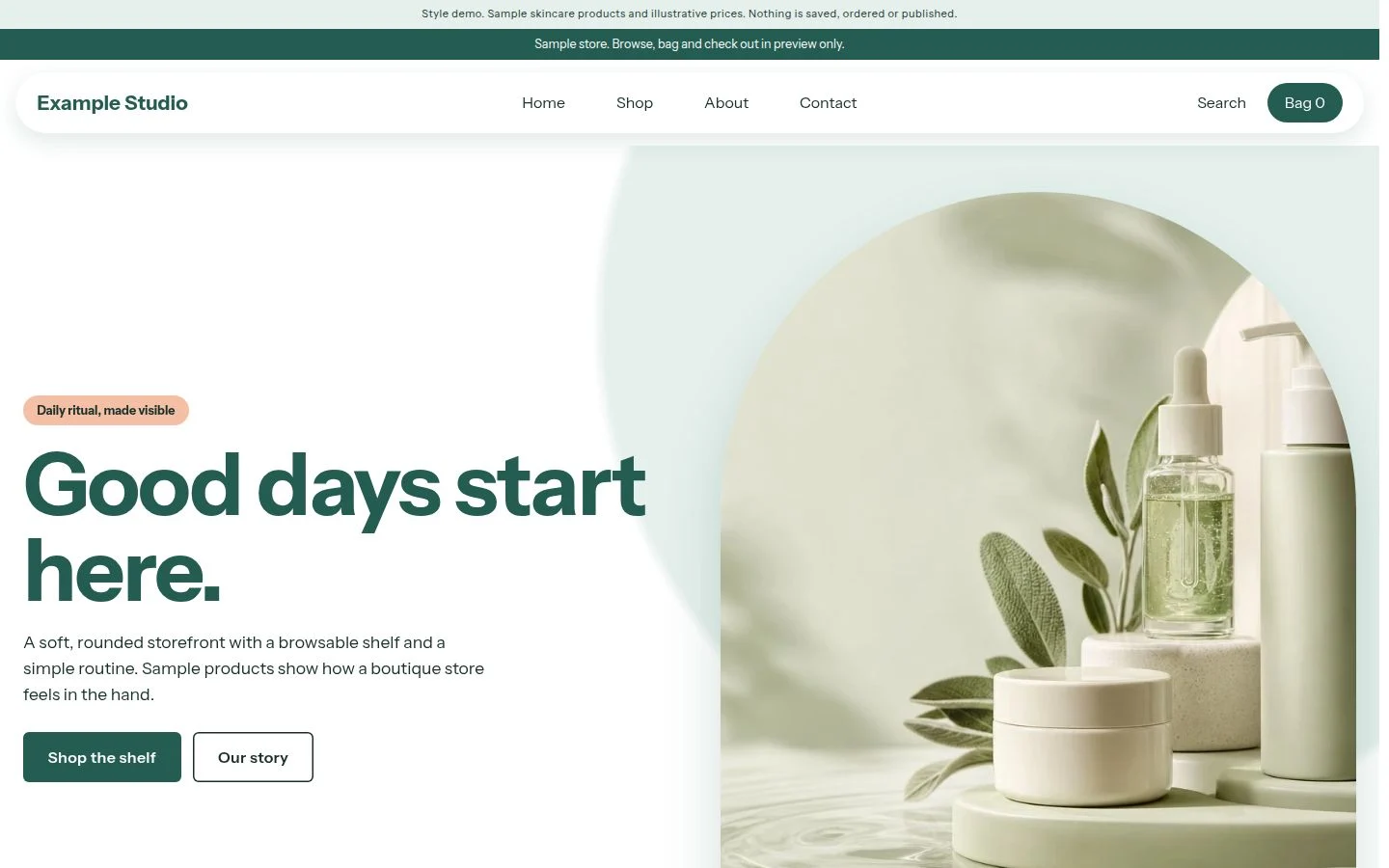
Find the look that feels like your brand.
Tap a look to preview it.
example-studio.lebrands.store
app.lebrands.store
Editorial
Minimal
Vintage
Social Pop
Creator Feed
Proof & Detail
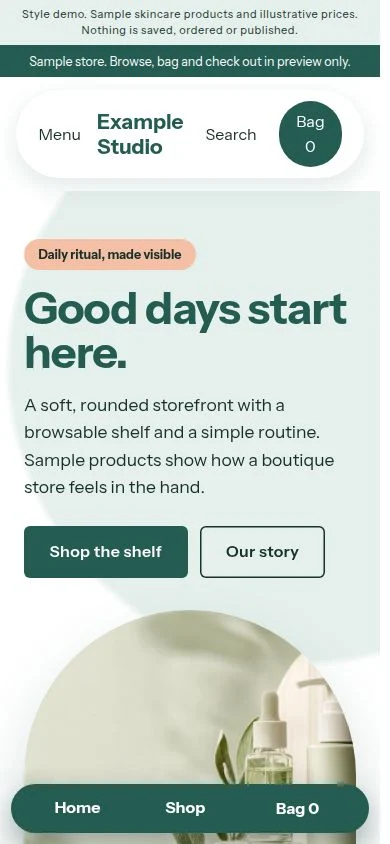
Try looks on sample products and collections. Your real catalogue stays separate until you choose to use it.
After the order
Run the whole business from one desk.
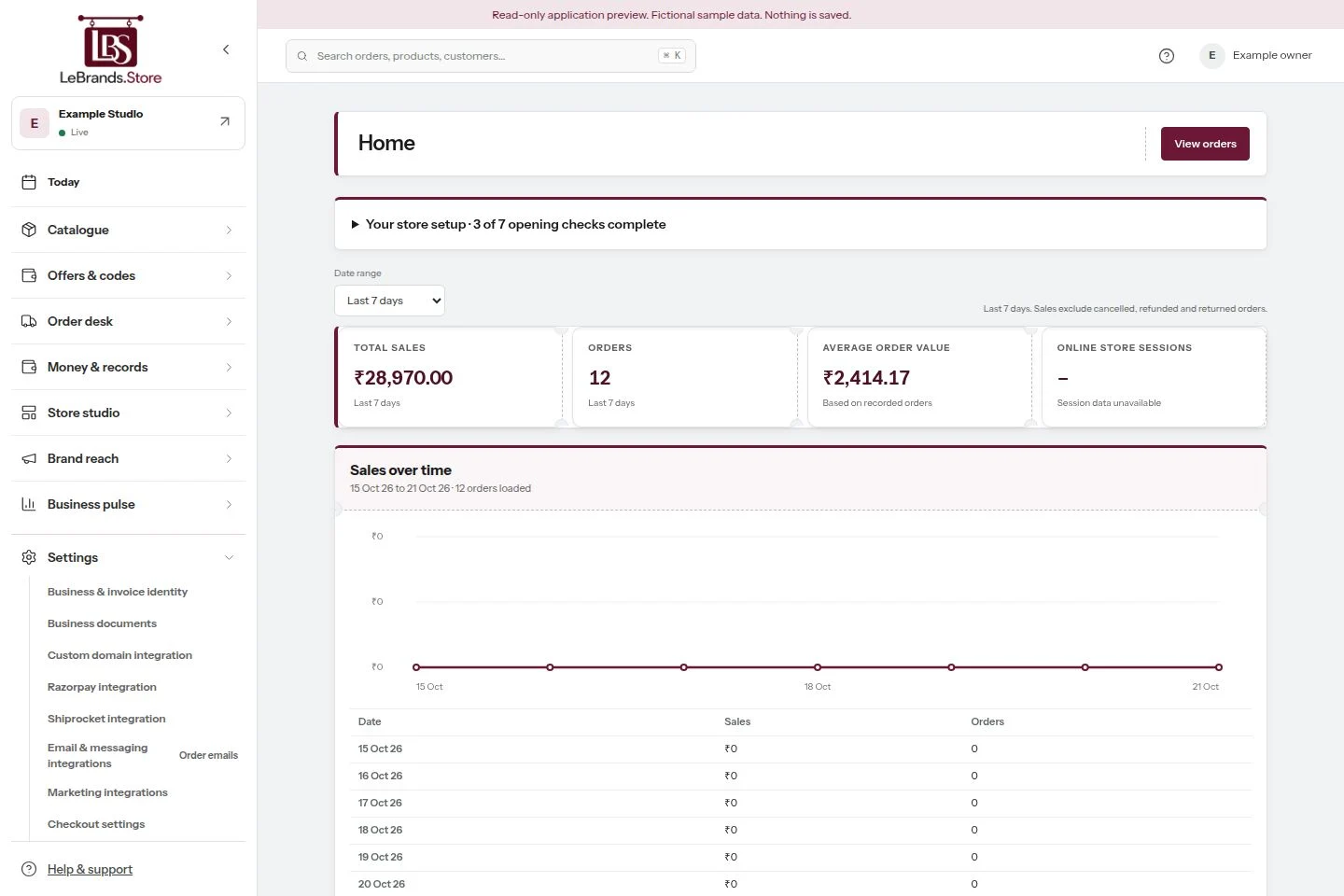
Everything you need, in one place.
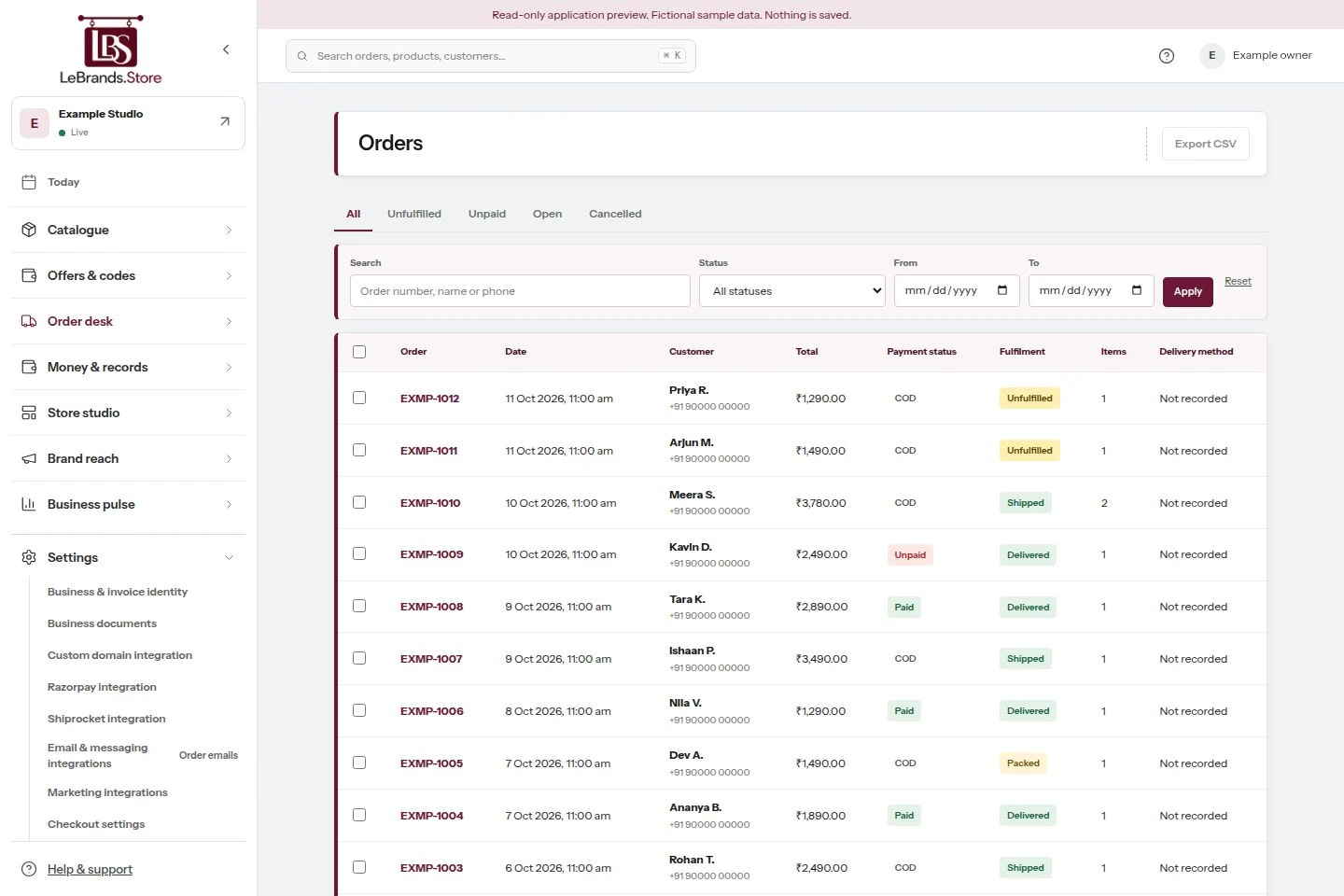
app.lebrands.store
Price
Rs. 899
SKU
DEW-30
Stock
42 in stock
Your cost, only you
Rs. 312
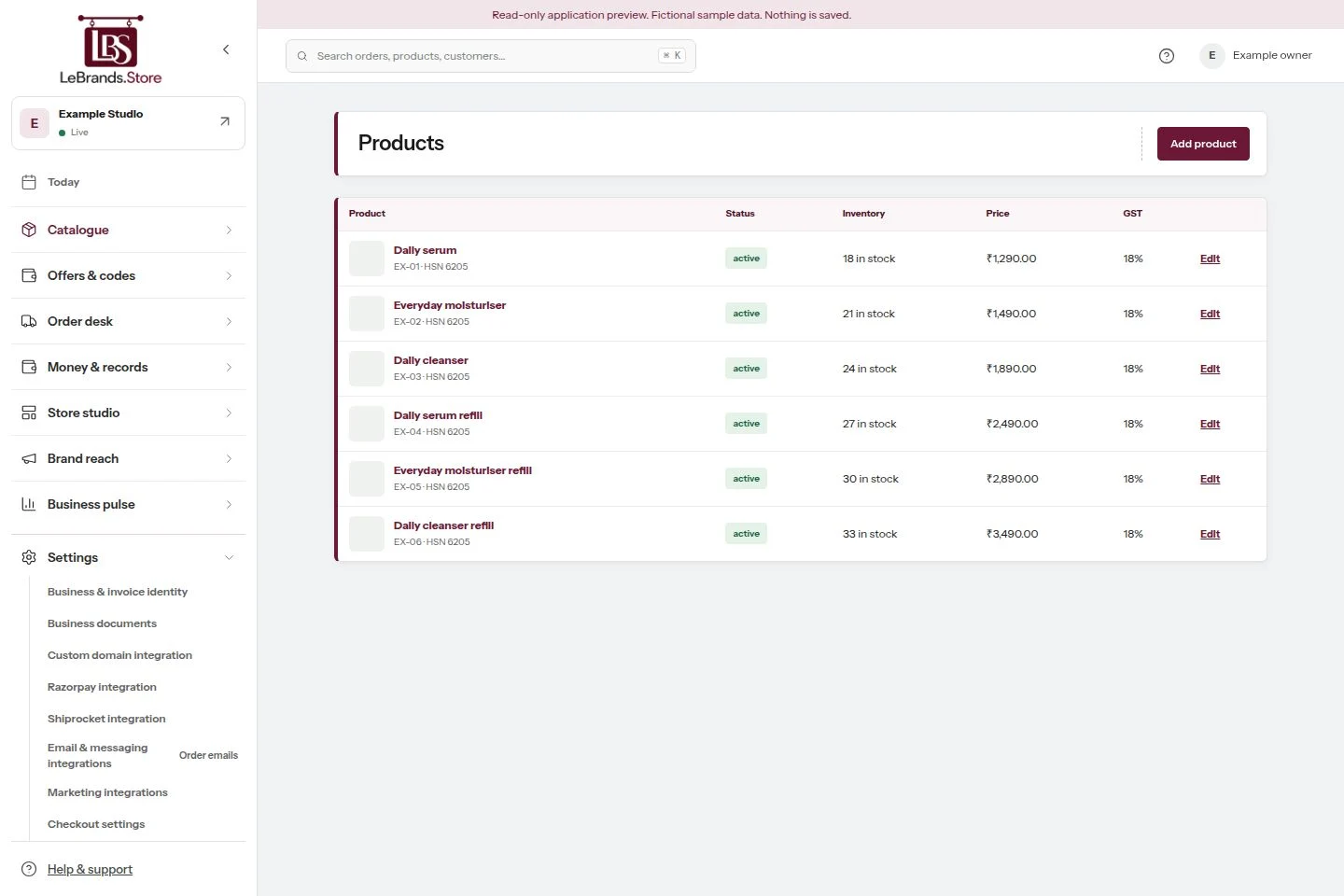
Track stock for each size.
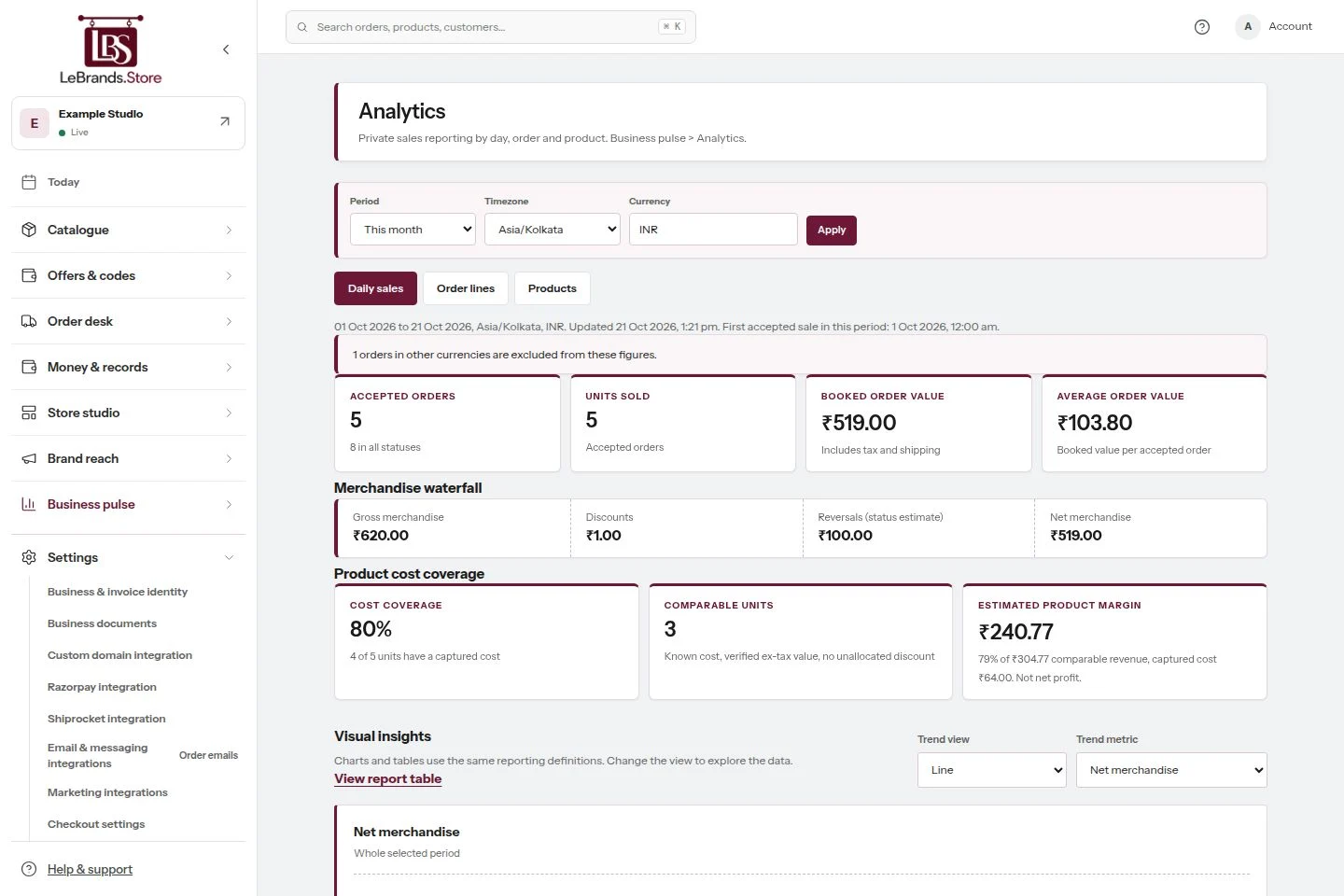
Booked order value from orders placedCost coverage accepted units with a costEstimated margin not net profitDownload reports: CSV, Excel or print
app.lebrands.store
Customers
Pack and dispatch
COD returns and RTO
Returns and refunds
When you are ready
Four things to connect, whenever you choose.
Your store works without them. Add each one when it suits you.
www.yourbrand.inAddress added
Added
Checking
Secure
Live
Custom domain
Your own web address
Give your store your own web address. Your included address keeps working while we check and prepare your new one.
Product viewedAdded to cartOrder confirmed
Social marketing
Meta and Google
Connect Meta, Google Analytics and Google Ads with your own IDs. Track store activity with shopper consent. Reports and campaigns stay in your accounts.
Your Razorpay accountYour store checkout
Razorpay
Your own Razorpay
Connect your approved Razorpay account to accept online payments directly. Your payment settings stay separate from your LeBrands.Store plan.
Order 1042You deliver it yourself
Delivery partner
Ship your way
Deliver orders yourself, or use Shiprocket where it is approved and configured for your brand.
Explore the previews above. Connect services from your store dashboard when you are ready.
Help and trust, built in.
Help before and after launchSupport tickets: Created, Pending or Closed. Emails when a request opens and closes.
Team rolesOwner, admin or editor.
Private documentsSeen only by you and our review team.
Plan in AnnChoose a plan as you build. See pricing
Be found
Your store. Part of something bigger.
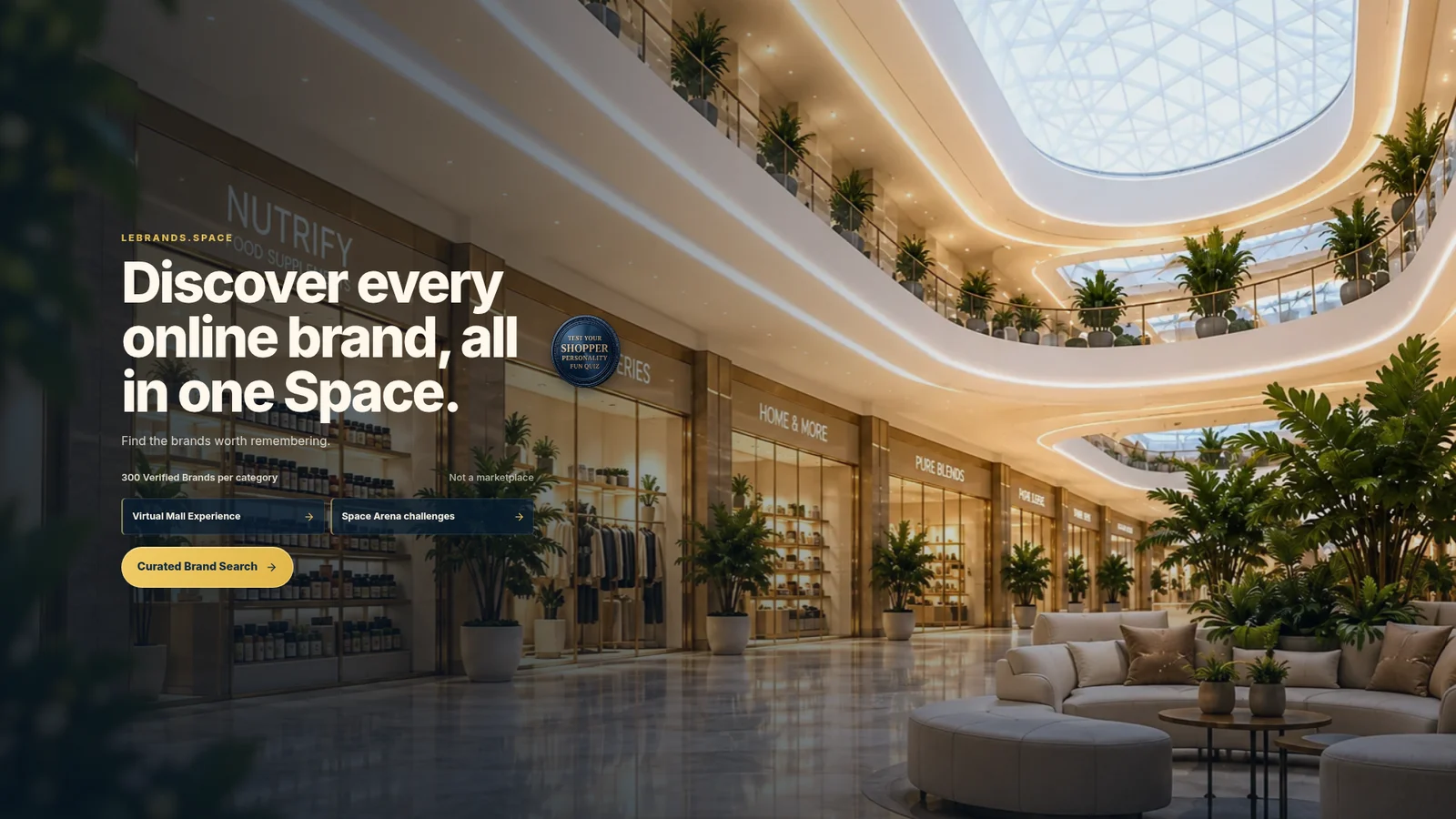
Free discovery on LeBrands.Space for all approved stores.
No. LeBrands.Store takes no commission on your sales.
Do I need GST registration?
Yes. A valid GSTIN is required to publish. Your brand remains responsible for accurate business details and applicable taxes.
How do payments work?
Set up Cash on Delivery and connect your brand’s own Razorpay account through your dashboard. Razorpay settles online payments to your brand’s account.
How do I set up delivery?
Set up delivery through your dashboard. Connect your own Shiprocket account, or manage shipping manually and add tracking details for your orders.
Can I use my own domain?
Yes. Your store starts at yourbrand.lebrands.store. You can connect your own custom domain through your dashboard by following the DNS setup and domain verification instructions.
Who owns my customer data?
Your brand owns its customer data. We never market to your customers.
How long does setup take?
Setup time varies with your product catalogue and business details. Ann guides you through building your store. Complete the required setup checks, review your store and publish when you are ready.
Talk to us
Book a 30 minute conversation
Walk through your brand with someone from LeBrands.Store. We will help you plan guided setup for your own store.