

Inside the LeBrands.Store catalogue: products, variants and media
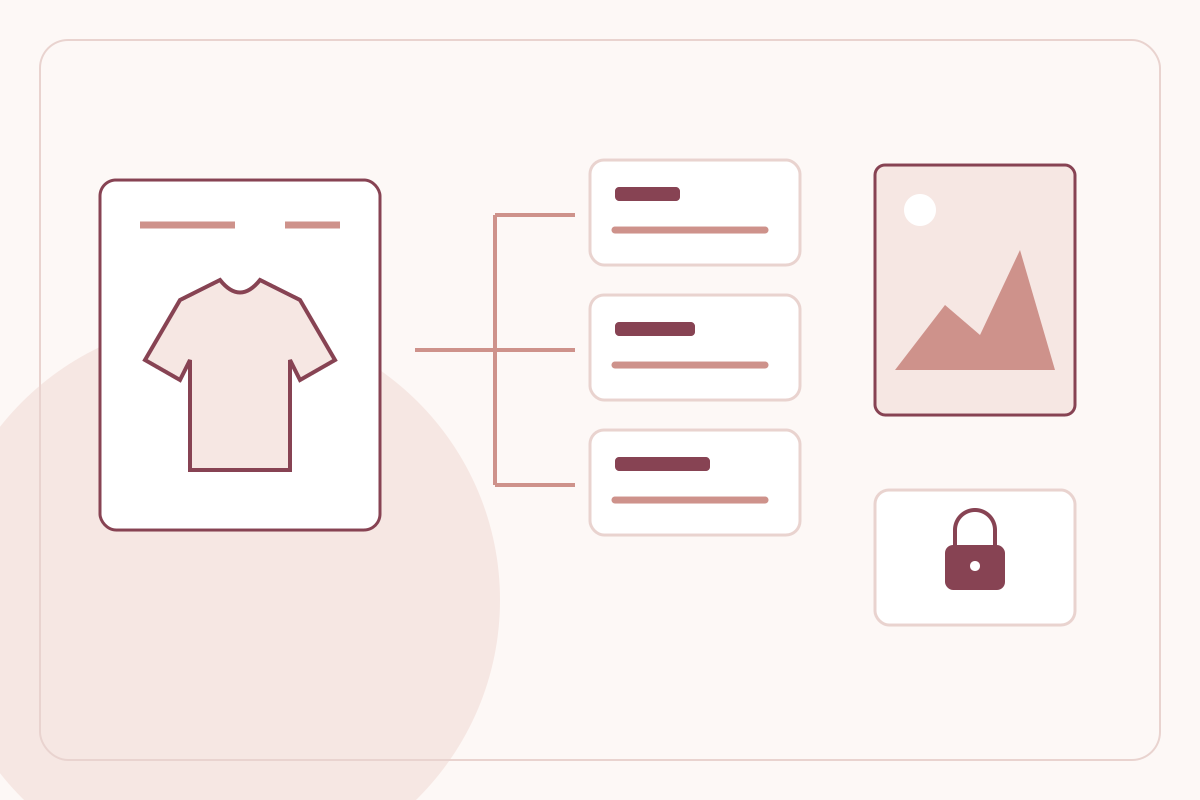
A dependable storefront starts with structured product records. LeBrands.Store separates the facts that describe a product from the options a buyer selects, the stock a merchant owns and the costs that should never appear in a public listing.
By LeBrands.Store editorial team
Key takeaways
- Classify products separately from the variants that create sellable SKUs.
- Review product media before upload, including its frame and file limits.
- Treat public product content, live stock and private costs as different records with different purposes.
Give the catalogue a consistent structure
The catalogue uses category, subcategory, product type, variants and descriptors as distinct concepts. A product type identifies what the item is; its title is the customer-facing name. A descriptor records a fact such as material or pattern without automatically creating another stock item.
This matters when the range grows. If fabric composition is entered as a variant merely because it appears in a checklist, the catalogue can develop combinations that no customer can actually purchase. Use classification to organise the assortment and use variants only where the buying decision and fulfilment process genuinely require a choice.
Use variants for the combinations you fulfil
A variant option such as size can create separate sellable SKUs. Check that each offered combination has a consistent label, the correct price and a meaningful stock quantity. A buyer selecting a medium top should not end up with an ambiguous order line that only identifies the parent product.
LeBrands.Store preserves the selected options in order records rather than relying solely on the current product page to explain an old purchase. Published option and price information, live SKU stock and copied order selections serve different purposes. Editing a listing is not a reason to change what a customer previously ordered.
Prepare images and video with a visible preview
The product media uploader accepts JPEG, PNG and WebP images and MP4 or WebM video, with a 10 MB per-file limit. Images have a 4:5 framing preview so the merchant can adjust the crop or fit the complete image with padding. Review the item edges, labels and important details before confirming.
Image preparation attempts WebP output in supported browsers and clearly reports a PNG fallback. Video can be prepared as WebM where browser support allows, or uploaded in an accepted original format. Conversion is not an unconditional guarantee. Media is stored in Cloudflare-backed storage, with its references attached to the product record.
Separate product facts from private economics
Manufacturer, country of origin, package contents and relevant descriptors help answer customer questions. They do not create stock on their own. Keep claims accurate and use the fields that apply to the actual item rather than populating every available field with generic text.
The optional cost field and Catalogue's COGS area serve a different purpose: internal product economics. Owner and admin access keeps those figures out of shopper-facing pages. Blank cost means unknown, not zero, and a cost edit does not authorise rewriting the financial history associated with earlier sales.
Review what is actually available to shoppers
Before publication, inspect the real catalogue in the store preview. Check a long title, a selected variant, an out-of-stock combination and a product with more than one media item. Verify that the first image, price and description tell a consistent story about exactly what the buyer receives.
A complete-looking product is not automatically ready for sale if its required options, price or stock are wrong. Keep catalogue preparation distinct from business approval and store publication. That discipline makes both the public buying experience and the merchant's subsequent order handling easier to trust.
Frequently asked questions
Do descriptors such as fabric or pattern create SKUs?
Not by themselves. Variants define buyer-selectable combinations; descriptors record product facts.
Are product costs visible to shoppers?
No. COGS is private owner/admin information, separate from public product prices and descriptions.
Keep reading

A product photography and media guide for a consistent D2C catalogue
Plan product images and videos, review 4:5 crops, write useful alternative text and balance visual quality with storefront performance.
Read the guide
Run offers with a clearer view of product costs on LeBrands.Store
Understand LeBrands.Store's separate Offers menu, supported discount scopes, automatic savings and private Catalogue COGS workflow.
Read the guide