

The LeBrands.Store buying journey, from product to confirmation
A brand can have its own visual identity without making customers relearn every buying step. LeBrands.Store uses the merchant's theme around a shared commerce experience, keeping product choices, cart totals, checkout verification and confirmation details recognisable across stores.
By LeBrands.Store editorial team

Key takeaways
- Merchant theme styling frames a consistent product-to-order journey.
- Shoppers verify an email before submitting a new order.
- Confirmation and email totals reflect the order, including offers and COD status.
Keep the brand identity and buying logic aligned
The merchant's theme supplies the surrounding header and footer on product, checkout and order-confirmation pages. The body uses shared commerce layouts so a buyer can recognise where to find options, totals and the next action. A merchant should not need a separate custom layout for every operational page.
That consistency is not a claim that every store has identical colours or content. The product imagery, brand identity and merchant information still matter. Review the browser-tab icon as part of the same identity check, and use title-based product URLs to give customers a clearer destination than an unexplained identifier.
Carry the selected product into a clear cart
On the product page, the buyer selects the actual available options and quantity before adding an item. The cart identifies those selections alongside quantity and price. This gives the customer a chance to catch a wrong size or duplicate unit before entering delivery information.
The cart also needs to distinguish item subtotal, delivery, included tax and offer savings. An automatic offer is not the same as a code that must be entered. A rejected code should explain what needs attention without concealing the cart contents or suggesting that an unrelated automatic saving is invalid.
Use verification for the shopper, not the merchant account
New orders require a verified shopper email. That verification is separate from the merchant's LeBrands.Store login and from optional marketing consent. It provides a verified destination for order communication; it is not a reason to claim that a customer has subscribed to promotional messages.
The address flow can use an Indian PIN code to fill city and state where lookup succeeds. Customers should review the result and enter the actual street and locality accurately. If the lookup cannot resolve the PIN, the form needs a clear explanation rather than invented address details or a silent mismatch.
Make the confirmation match the transaction
The confirmation page presents the order identifier, purchased items, selected options, quantities, delivery address and totals. Offer savings remain visible so the payable amount can be understood without reconstructing the checkout. A specific status explains whether the order is confirmed and which payment method applies.
For cash on delivery, the page states that no online payment has been taken and shows the amount due on delivery. It should not call a COD confirmation a captured online payment. Order details are a record of that purchase, not a fresh calculation from whatever prices happen to be displayed later.
Extend the same clarity into order emails
The shared utility email presentation carries recognisable branding, a clear order reference, item details, totals and a useful order link. Customer and merchant notifications serve different audiences, but both should be grounded in the same order evidence. Essential messages should not be mistaken for promotional campaigns.
Email preferences separate optional updates from critical order and security communication. The operational goal is straightforward: a buyer knows what was ordered and where to find help, while the merchant receives enough context to begin fulfilment. A professional design supports that goal only when the underlying facts remain correct.
Frequently asked questions
Does the shared checkout replace my store's theme?
No. The header and footer follow the merchant theme, while the commerce body follows a consistent LeBrands.Store structure.
Can a shopper place a new order without verifying an email?
No. Email verification is required for new orders and is separate from the merchant login and marketing consent.
Keep reading

Checkout trust: clear totals, verified email and a useful order receipt
Explain checkout totals, email verification, address assistance and order confirmation without confusing payment status or collecting unnecessary data.
Read the guide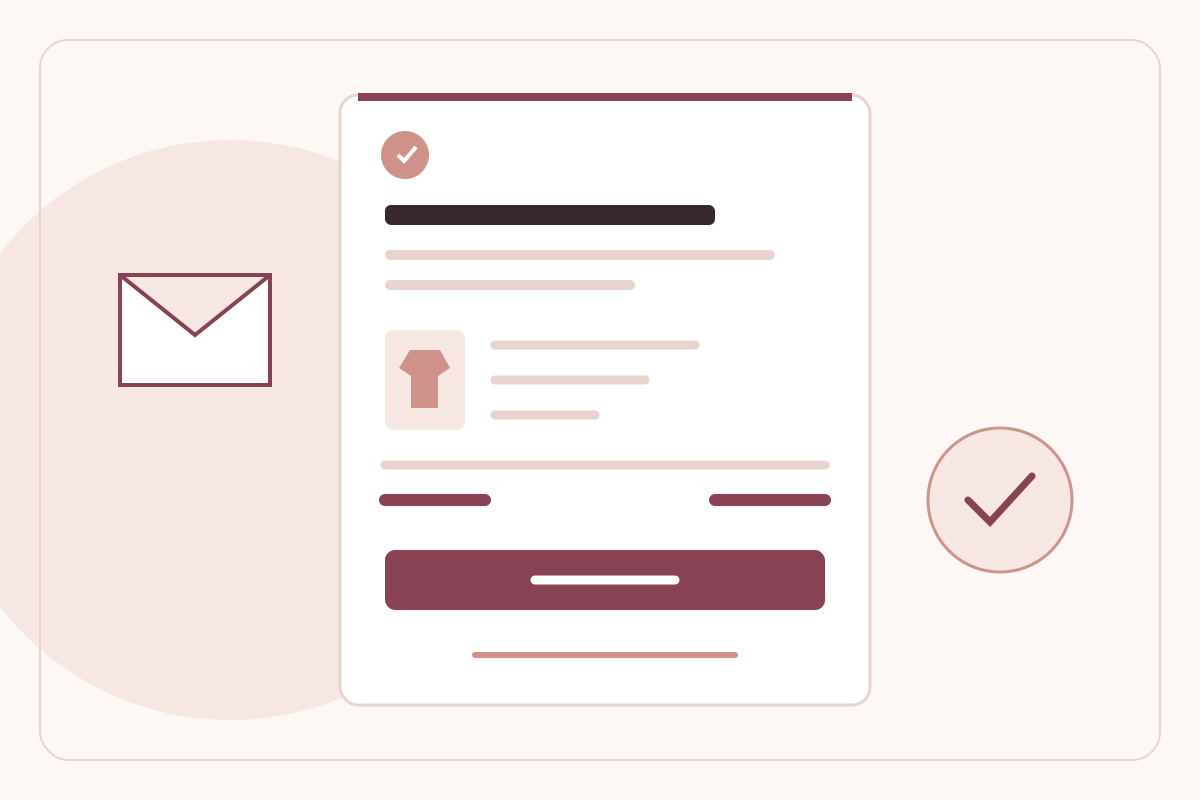
Use order emails to build trust after checkout
Make D2C order emails clear and useful with accurate totals, payment status, order links, support details and respectful marketing preferences.
Read the guide