

Build collections around how customers actually shop
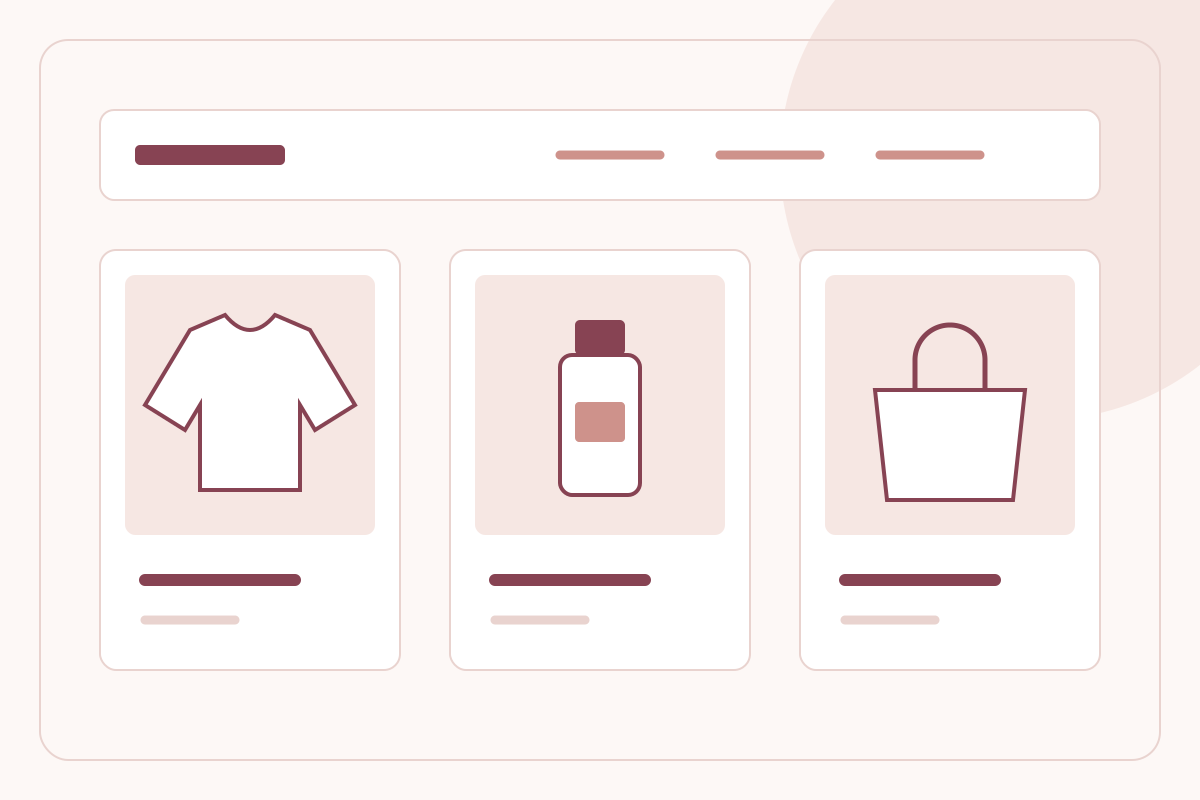
Your internal product spreadsheet is not a navigation strategy. Good collections turn a broad catalogue into recognisable choices: what a shopper needs, who it is for and which products can be bought together without confusion.
By LeBrands.Store editorial team
Key takeaways
- Use collection names customers understand without an explanation.
- Place relevant, available products before weak or unrelated matches.
- Audit collection pages on mobile, including empty and sold-out states.
Start with a shopping task, not an internal label
List the questions customers ask before looking at individual products. They may shop for a daily skincare routine, lightweight workwear or a gift within a budget. Choose collection names that match those tasks. Keep manufacturing codes, supplier names and internal season references out of primary navigation unless customers already recognise them.
Avoid creating a collection for every keyword you can imagine. A small range benefits from a few substantial, clearly differentiated destinations. If two collections contain almost identical products and descriptions, explain the difference or consolidate them. The aim is easier selection, not a larger menu.
Give the first screen a coherent selection
Choose the first products deliberately. Balance relevance, availability and a sensible spread of prices or styles. A visually consistent first row can make the collection easier to understand, but it should not conceal missing stock or imply that a product is a bestseller without a valid basis.
Check each card's title, price and primary image together. A visitor should understand the difference between products without opening every page. If a photographed item is an accessory rather than part of the purchase, make that clear on the product page before checkout.
Write a useful introduction and metadata
A short introduction should describe what belongs in the collection and how to choose. Mention a real distinction such as fabric weight, intended use or product format. Do not fill the page with repeated keyword combinations that add no buying information.
Give the collection its own page title and search description. Keep those statements consistent with the products actually shown. If a collection changes substantially, review its introduction and links rather than leaving a seasonal promise attached to an unrelated assortment.
Review the full browsing experience regularly
Open each important collection on a phone and follow a product through to its options and cart. Look for broken images, inconsistent naming, unclear sold-out states and links that lead nowhere. An empty collection should not be a prominent entry point without an honest explanation.
Use customer questions and observed behaviour to decide what to adjust. If shoppers consistently ask where to find a particular type of product, the label or grouping may be unclear. Change one meaningful element at a time so your team can understand the reason behind the result.
Frequently asked questions
How many collections does a small store need?
Enough to support distinct shopping tasks. A few well-populated collections are usually more useful than many overlapping or empty destinations.
Should a collection description repeat every product keyword?
No. Explain the assortment and selection criteria naturally, and keep metadata specific to the page.
Keep reading
How to build D2C product pages that answer buyers' questions
Structure product titles, images, variants, descriptions and delivery information so Indian D2C shoppers can make an informed purchase.
Read the guide
Ecommerce SEO and AI-readable content: structure useful pages first
Build readable product and editorial pages with clear headings, metadata, internal links, accurate structured data, sitemaps and llms.txt.
Read the guide