

Discount codes versus automatic offers: a practical D2C guide
An offer's name is not always a coupon code. Understanding the difference between automatic promotions and code-based offers prevents confusing checkout messages and makes campaigns easier to operate. Start with clear eligibility, a measurable purpose and a margin check.
By LeBrands.Store editorial team
Key takeaways
- Automatic offers apply without entering a code.
- A promotion title does not create a redeemable coupon.
- Review the final payable amount, not only the percentage saving.
Choose the promotion method deliberately
An automatic offer is evaluated when an eligible basket is priced. The shopper does not need to enter anything. A code-based offer requires a configured, active code that the checkout can validate against its conditions. Both can deliver a saving, but they are different customer experiences.
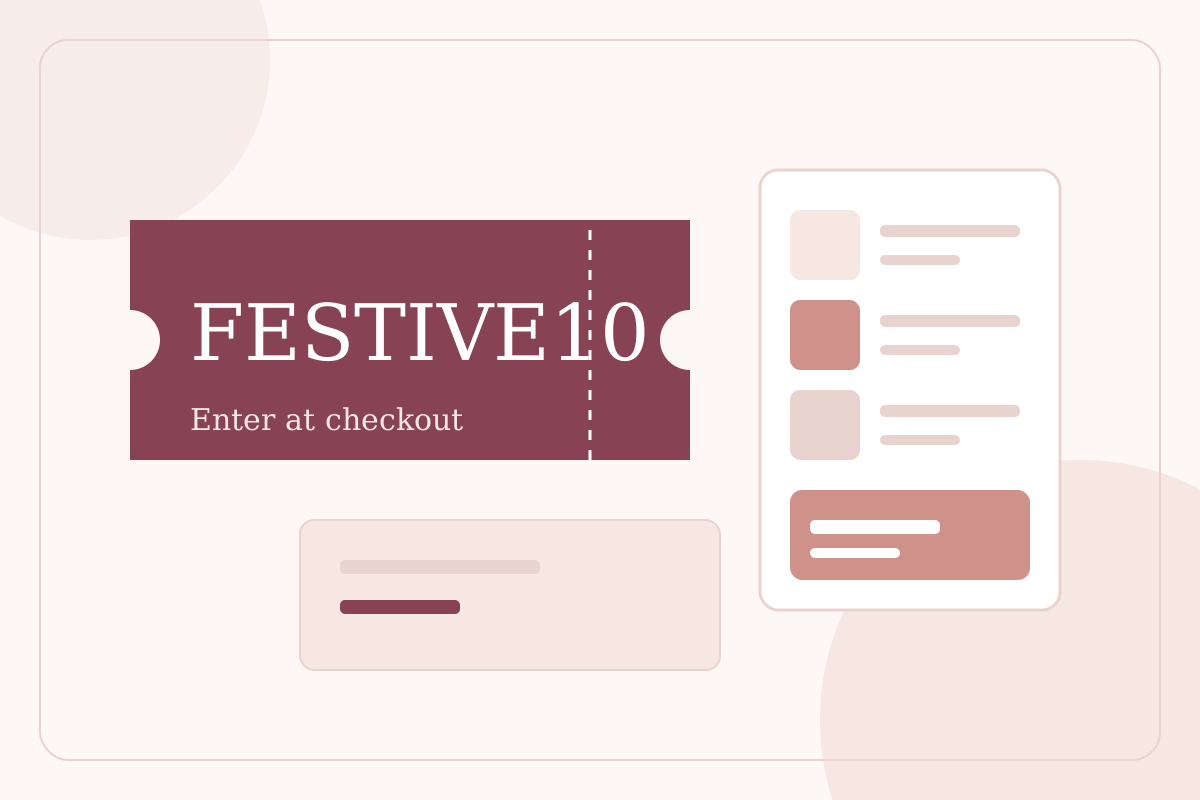
For example, an automatic promotion titled SAVE100 can already reduce an eligible total by INR 100. Typing SAVE100 into a coupon field does not make it a valid code if no such coupon was configured. A title is a merchant-facing label, not a substitute for the redemption method.
Explain code rejection without losing the basket
A rejected code can mean it is unknown, inactive, outside its time window or ineligible for the current purchase. Show a useful explanation and let the shopper remove or replace it while retaining their selected items and the current authoritative total.
If an automatic offer still applies, label it as automatic so the shopper can understand why a saving is visible alongside a rejected entered code. Removing the rejected entry should not remove a separately eligible automatic saving. Checkout should not silently proceed under conditions the buyer has not reviewed.
Specify eligibility and timing before launch
Decide whether the offer applies to an order, selected products or selected collections using only the supported controls. Record the minimum purchase, discount value, active window and any supported usage limits. Check the timezone used for scheduling rather than assuming a date boundary means the same thing everywhere.
Avoid advertising stacking, bundles, customer segments or buy-one-get-one mechanics until the corresponding workflow is actually implemented. A database designed for future offer types does not make those types available to merchants or shoppers.
Review economics and preserve the transaction
Compare the final payable amount including shipping and tax. A discount that changes a free-shipping threshold can affect the buyer differently from its headline saving. LeBrands.Store's supported best-offer calculation aims at the best final payable total; do not assume multiple promotions can be combined.
Check the cost of goods and any known fulfilment costs before launching a campaign. After purchase, the order and relevant documents should retain the actual allocated saving. Changing or retiring an offer later should not recalculate past purchases or erase the reason for a historical total.
Frequently asked questions
Why is my offer active but its name is rejected as a code?
It may be an automatic offer. Only a configured code-based promotion makes the entered coupon redeemable. Check the method, not just the title.
Can I promise that all offers stack?
No. Combination rules depend on implemented capabilities. Review the actual supported behaviour before advertising a campaign.
Keep reading
Checkout trust: clear totals, verified email and a useful order receipt
Explain checkout totals, email verification, address assistance and order confirmation without confusing payment status or collecting unnecessary data.
Read the guide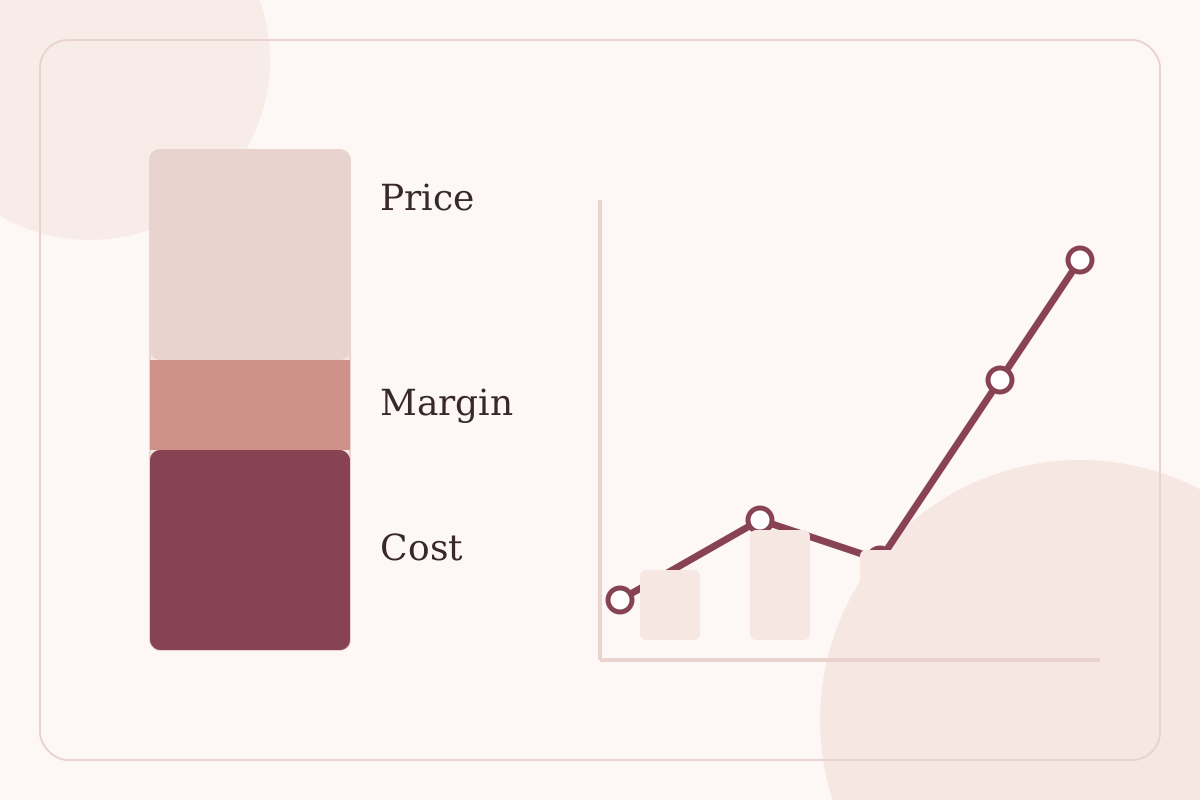
COGS and product margin: understand what a D2C sale earns
A clear introduction to product costs, gross margin, contribution costs and historical accuracy for independent D2C brands.
Read the guide