

How Ann turns your store brief into a LeBrands.Store draft
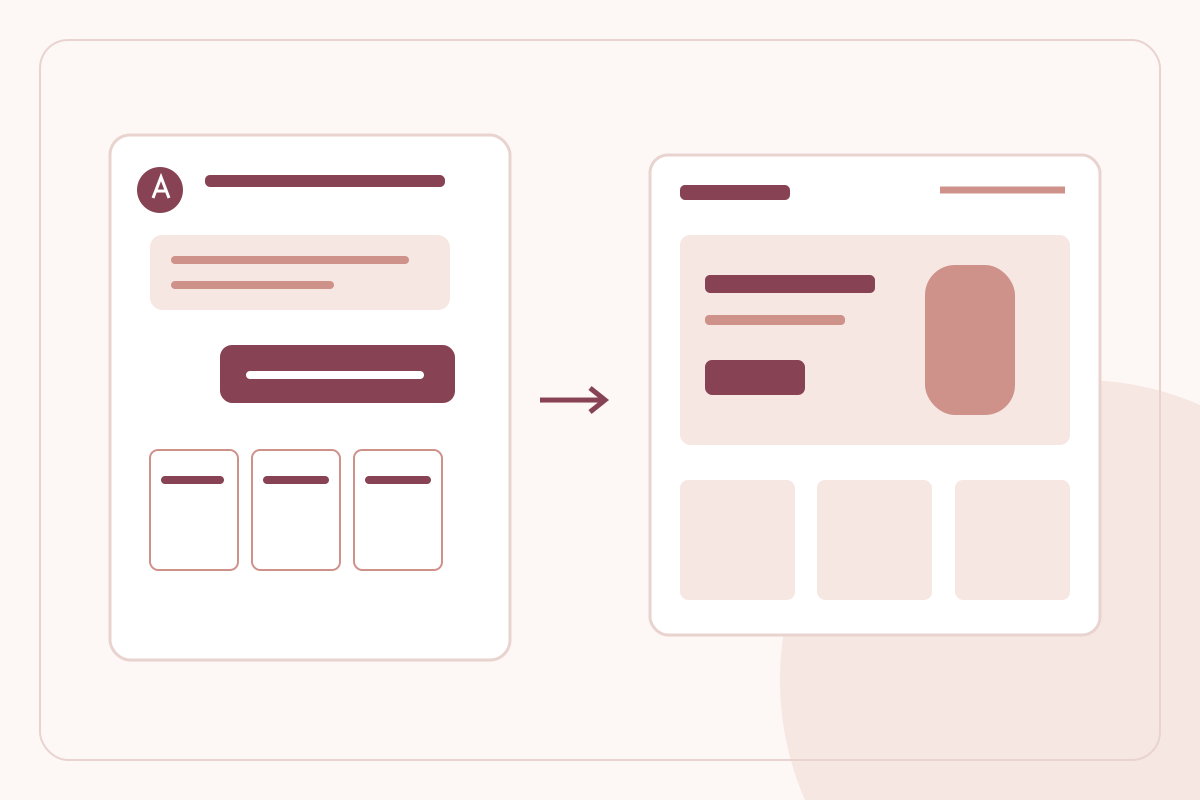
Ann brings store setup into a guided conversation instead of asking a founder to start with an empty page. The important distinction is that a saved design, a verified business and a published store remain separate checkpoints. Here is how to use that workflow deliberately.
By LeBrands.Store editorial team
Key takeaways
- Review your store plan after naming the brand; choosing Free does not start its live-day clock.
- Use Ann's language selector for guidance without changing merchant-entered records.
- Review the saved design, real catalogue and publishing checks as separate parts of launch readiness.
Start with the brand and review its plan
Begin with the name customers should recognise. Ann includes plan selection after the store-name step, so the commercial choice is part of setup rather than an unrelated dashboard task. Read the applicable terms in the modal before accepting; opening or reviewing the plan is not itself a paid purchase.
The Free allowance is 100 catalogue products and 1,000 SKUs, including drafts and items currently live, with 30 live days beginning at the first successful publication. Uploaded files count toward storage even when unused. It does not include LeBrands.Space placement. Do not confuse the first day spent editing a draft with the start of that live period, and check the offer applicable to your store before continuing.
Provide the business facts the store needs
Ann asks for business context alongside design decisions. Country affects the registration evidence required, while business-document review remains distinct from GST verification and publication approval. For an Indian GST-registered business, confirm the returned legal identity and invoice address carefully rather than treating them as decorative profile text.
The conversation supports English, Hindi, Tamil, Marathi and Telugu. Use the language that makes the prompts easiest to follow, but keep legal names, addresses and product records accurate as entered. Translating guidance should not silently rewrite a merchant's registered identity or previously saved business evidence.
Build a coherent theme rather than isolated sections
Work through the available style, colour, typography, collection and story choices with the preview beside the conversation. Add a brand logo where available, or use a deliberate wordmark treatment when the brand name is the appropriate starting identity. Check both the first impression and the information lower on the page.
The saved design is the basis for continued theme editing. Use the shared inline text editor to refine wording and its formatting, including size, emphasis, alignment and colour. Keep headings readable and avoid styling every line as a competing headline. The goal is a coherent storefront, not the largest possible collection of effects.
Know when you are looking at illustrative content
Ann can show a style showcase with sample images and illustrative product prices. That helps compare designs without requiring a complete catalogue first. Switch to the actual-store view when checking what a customer will be able to buy; a sample product is not a merchant's sellable item.
Create and review real products, their options, media, prices and stock separately. A polished preview does not confirm that the catalogue is complete or that checkout is enabled. This distinction lets a founder explore presentation without accidentally presenting demo content as an available product range.
Finish with an explicit launch review
Use the final review to check business status, contact details, catalogue readiness and policy drafts. Read and edit those policies inside the review flow; generation alone does not mark them reviewed. Support details should lead to channels your team actually monitors, not simply fill a required field.
Publishing is a separate action with its own checks. A draft can be saved while document review is unresolved, but choosing a plan or completing a design does not approve the business. That separation is useful: you can keep preparing the store while seeing which specific launch condition still needs attention.
Frequently asked questions
Does choosing Free start the 30 live days immediately?
No. The 30 live days begin at the first successful publication, not when you name the store, review plans or edit a draft.
Does switching Ann's language translate my business records?
No. The conversation language is separate from merchant-entered names, addresses, product records and submitted evidence.
Keep reading
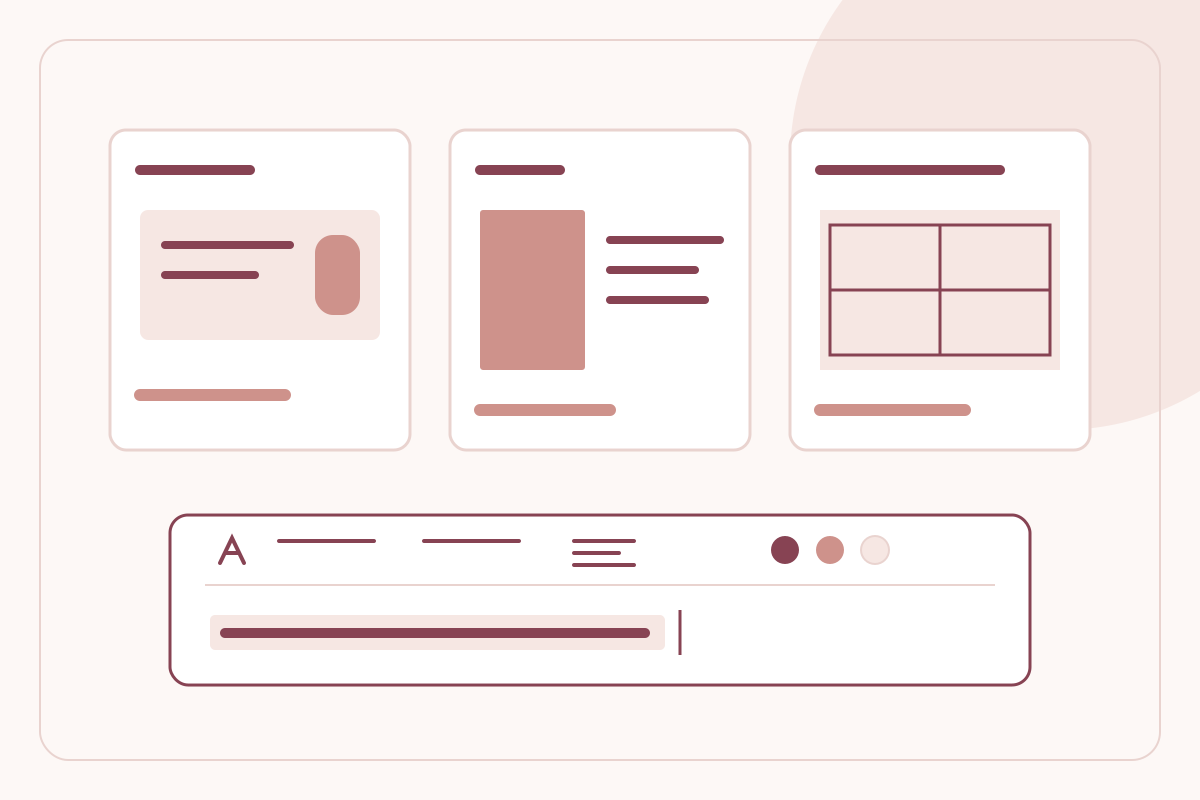
Make your store look like your brand with Ann's themes and inline editor
Choose an Ann theme style, refine typography and colours, and edit storefront text inline while keeping a consistent LeBrands.Store buying experience.
Read the guide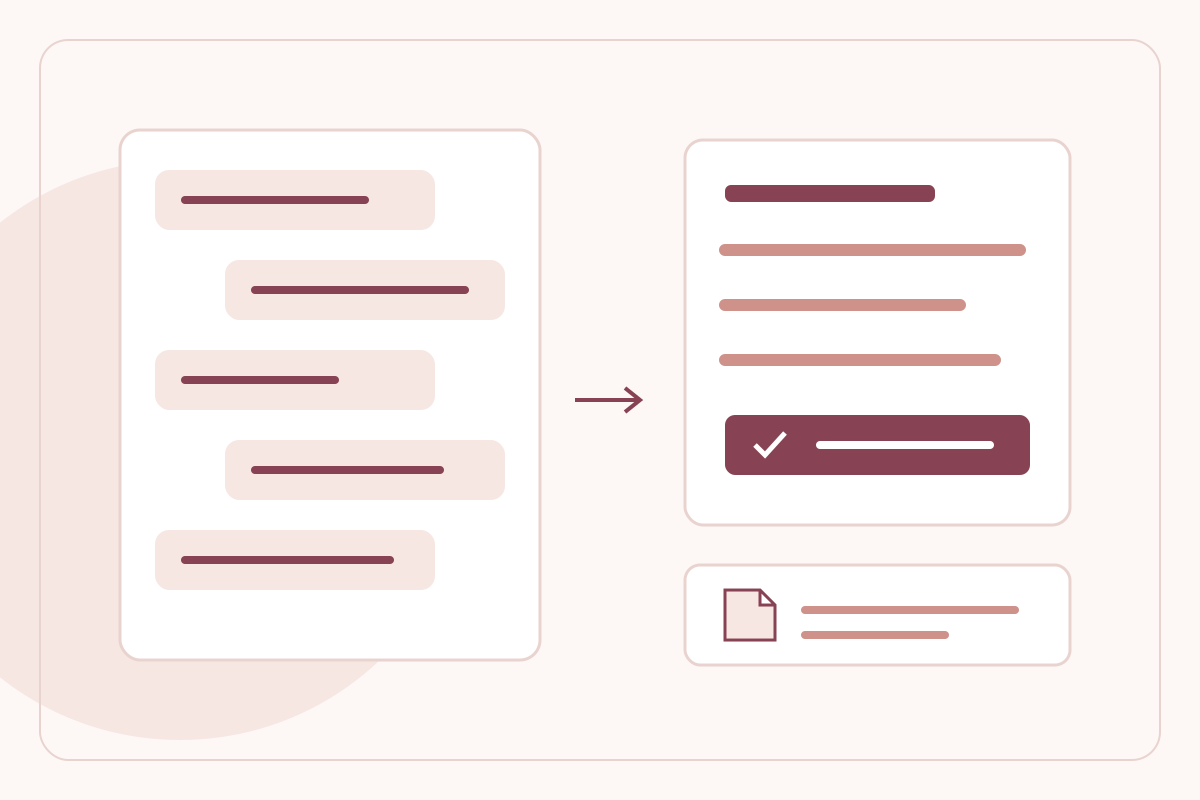
Build in your language with Ann and verify your GST details
Use Ann in English, Hindi, Tamil, Marathi or Telugu, and verify an Indian GSTIN with returned business details and explicit invoice-identity confirmation.
Read the guide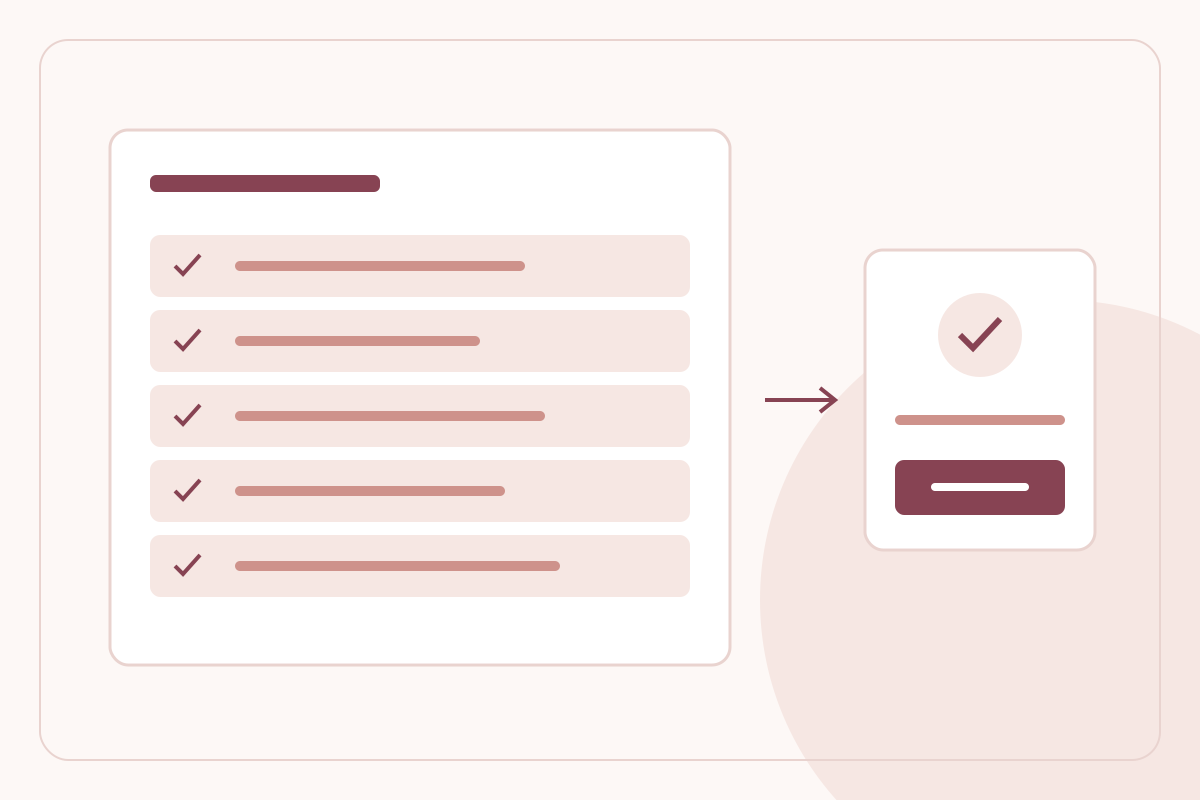
What happens before a LeBrands.Store draft becomes a live store
Understand LeBrands.Store business evidence, GST verification, support details, policy review and the checks behind store publication.
Read the guide
Inside the LeBrands.Store catalogue: products, variants and media
Learn how LeBrands.Store separates product classification, variant options, SKU stock, product media and private cost information.
Read the guide